
Trending
How to Verify the Quality of Refurbished IT Equipment Before Buying

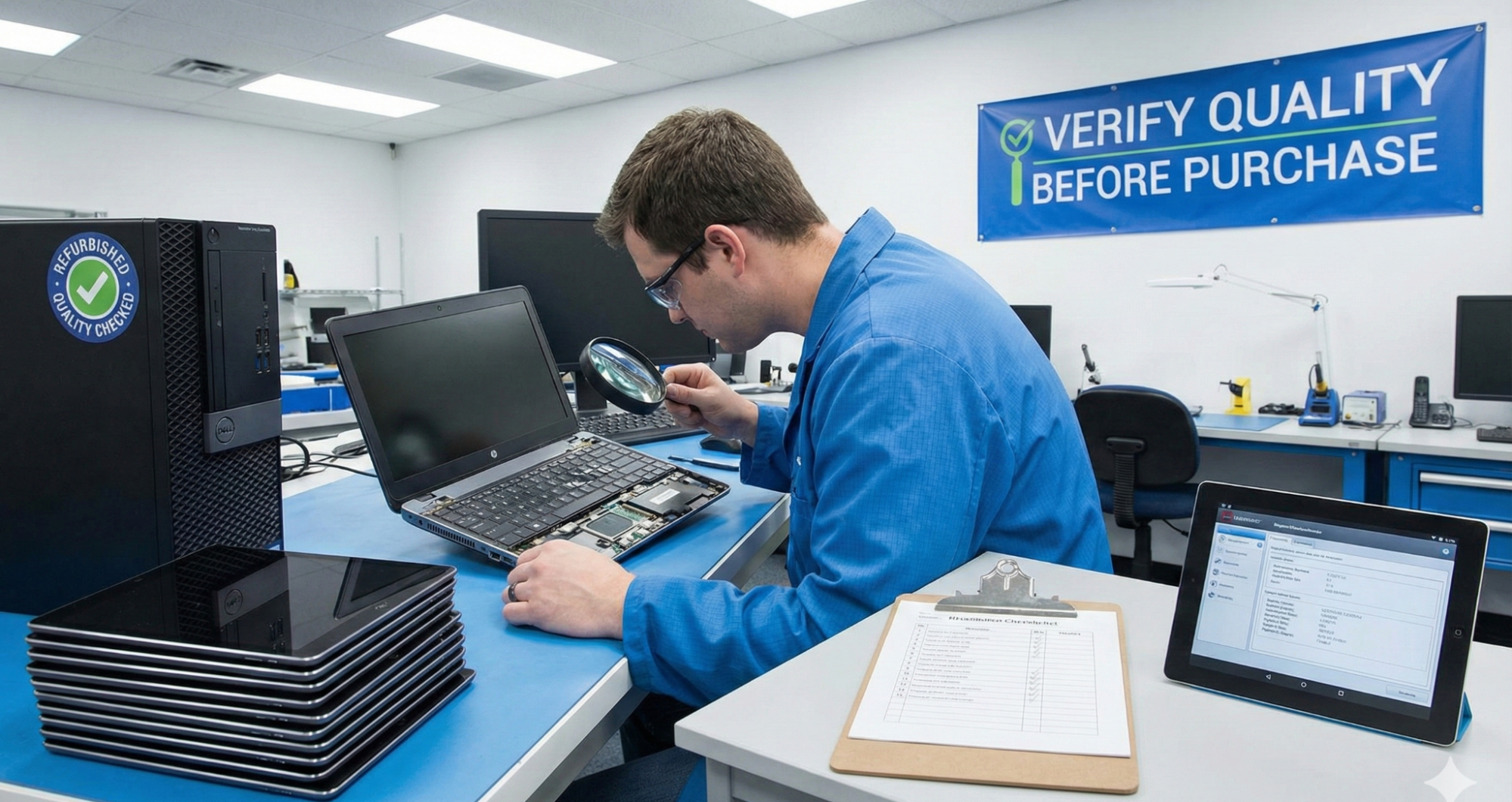
Purchasing refurbished IT equipment can be a cost-effective way for businesses and individuals to access high-quality technology. However, ensuring the reliability and performance of refurbished hardware requires careful evaluation. Here’s a step-by-step guide to help verify the quality before making a purchase.
1. Check the Source and Certification
Always buy from reputable vendors who provide certifications for their refurbished products. Certified refurbishers follow strict testing, repair, and quality standards. Look for programs like “manufacturer-certified refurbished” or ISO-certified refurbishment, which indicate adherence to rigorous processes.
2. Inspect Physical Condition
Even if a device is functional, the physical condition matters. Examine the equipment for signs of wear, dents, scratches, or damaged ports. Ensure screens, keyboards, and connectors are intact, and battery compartments show no swelling or corrosion.
3. Review Warranty and Return Policies
Reliable refurbished IT equipment should come with a warranty, typically ranging from 6 months to a year. Check return and replacement policies to ensure you have recourse if the product fails shortly after purchase. A warranty is also a sign that the vendor trusts the quality of their refurbishment.
4. Test Performance and Functionality
If possible, power on the device and test key features. Check processing speed, memory, storage, and software functionality. Run diagnostic tools to detect potential hardware issues. For network devices or servers, verify connectivity and configuration options.
5. Confirm Authentic Components
Ensure that all major components—CPU, RAM, hard drives, and graphics cards—are genuine and match the specifications advertised. Avoid equipment with counterfeit or incompatible parts, as these can compromise performance and reliability.
6. Ask About Previous Use and Refurbishment Process
Request information on the device’s previous use and the refurbishment steps taken. Knowing whether a device was lightly used or heavily deployed can help anticipate its lifespan. Vendors who provide transparent histories are generally more trustworthy.
7. Check Software and Security Compliance
Ensure the equipment comes with legitimate software licenses and updated operating systems. For business IT, confirm that devices meet security standards and are free from malware or residual data from previous users.
By following these steps, buyers can make informed decisions and reduce the risk of investing in low-quality refurbished IT equipment. Proper evaluation ensures durability, performance, and long-term value from refurbished technology.